

What Are the Best Practices for Cable Management in a Branch Cabinet
2025-12-31
Efficient network performance and reliability hinge on one often-overlooked factor: impeccable cable management within the Cable Branch Cabinet. A well-organized cabinet isn't just about aesthetics; it's critical for minimizing downtime, simplifying troubleshooting, and ensuring optimal airflow for cooling. As a leader in network infrastructure solutions, FATO champions strategic organization to maximize the longevity and functionality of your critical connections. Adhering to industry best practices transforms your Cable Branch Cabinet from a tangled liability into a model of efficiency.
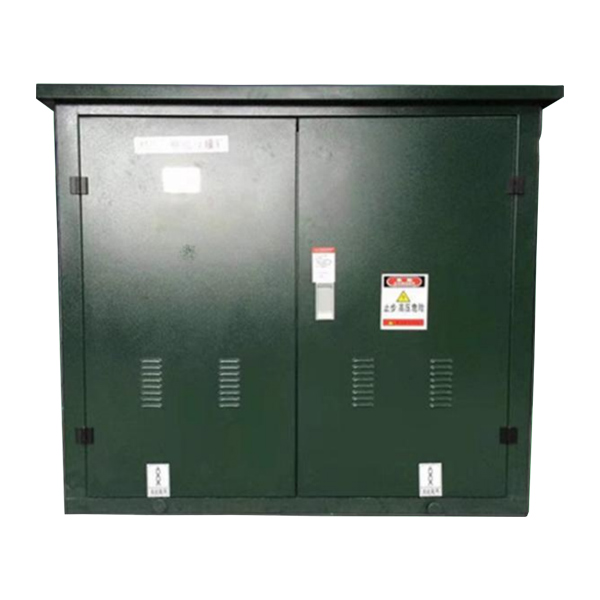
Implementing a disciplined approach from the start prevents major headaches. Here are the core best practices to follow:
-
Plan and Document: Before running a single cable, create a detailed plan. Map out device placement, cable routes, and port assignments. Consistently label every cable and port at both ends using a standardized system (e.g., rack/device/port). This documentation is invaluable for future maintenance.
-
Segregate Cable Types: Keep power cables and data/communication cables separate. Cross them at perpendicular angles if necessary to minimize electromagnetic interference (EMI) that can degrade signal quality.
-
Utilize Proper Pathways: Use designated cable managers—both vertical and horizontal—to guide cables neatly from origin to destination. Avoid blocking airflow or placing strain on cable connectors.
-
Maintain Bend Radius: Adhere to the manufacturer's specified minimum bend radius, especially for fiber optic cables. Excessive bending can cause permanent signal loss or physical damage.
-
Employ the "Service Loop": Leave a small, neatly coiled service loop (typically 24-36 inches) at the top or bottom of the cabinet. This allows for future re-patching or equipment movement without requiring a completely new cable run.
To illustrate the difference between a disorganized and a managed approach, consider this comparison:
| Common Issue | Best Practice Solution |
|---|---|
| Tangled, unlabeled cables | Use labeled cables and comprehensive documentation. |
| Power and data cables intertwined | Physically segregate power and data pathways. |
| Cables blocking airflow vents | Route cables along dedicated managers at the sides. |
| Tight pulls and strained connectors | Ensure proper slack and bend radius management. |
Cable Branch Cabinet FAQ
Q: How often should I audit and re-organize the cables in my Cable Branch Cabinet?
A: A full physical audit should be conducted at least annually, or in conjunction with any major network upgrade or change. Regular visual checks for new additions are recommended to ensure standards aren't being compromised over time.
Q: What is the most common mistake made during cable installation in a branch cabinet?
A: The most frequent mistake is skipping the labeling and documentation phase. This inevitably leads to "spaghetti syndrome," making circuit tracing incredibly time-consuming and error-prone during repairs or changes, significantly increasing network downtime.
Q: Can improper cable management in a Cable Branch Cabinet actually cause hardware failures?
A: Yes, absolutely. Poor management that obstructs airflow can lead to localized overheating of switches, routers, or servers. Furthermore, excessive tension on cables can damage network card ports, and tightly bound cables can generate excessive heat, degrading cable performance over time.
Transforming your Cable Branch Cabinet into a pillar of network reliability requires the right methodology and components. FATO provides the robust, thoughtfully designed cabinets and comprehensive management accessories you need to implement these best practices effectively. Our solutions are engineered for clarity, scalability, and peak performance.
Ready to optimize your network infrastructure? Contact us today to discuss your project requirements and discover how FATO's expertise can bring order and reliability to your critical connections.